Guest Additions
Guest Additions is a very complex guest driver, that covers every Windows CE version starting from 2.0 and up to Windows Embedded Compact 2013.
Warning
The driver might get your guest broken due to a hacky injection approach. Consider disabling Guest Additions when something goes wrong.
Features
- Resolution: Supports up to 4K resolution on all devices. Can live resize since CE 4. Matches refresh rate with your monitor.
- Input: mouse and keyboard are directly passed as the native devices into the guest. This can conflict - check the status bar tools to configure
- Accelerated drawing: Guest Additions driver draws only exclusively through the host process. This is the hardware acceleration for guests.
- Shared folders. A folder on your PC appears inside the guest as a storage card.
\CERF Storage\* - Task manager. List, switch to and kill guest processes - and start new ones - from the host.
- Networking. A virtual Ethernet adapter appears and reaches the internet even on boards which lack corresponding interfaces.
- Customizations and hacks. With Guest Additions enabled you receive a whole set of Windows appearance modifiers. Set a theme, configure fonts, force ClearType and much more. Guest Additions do automatically hack into the Windows CE shell on Ford Sync 2 and auomatically disable certificate checks for Windows Mobile ROMs.
Screenshots
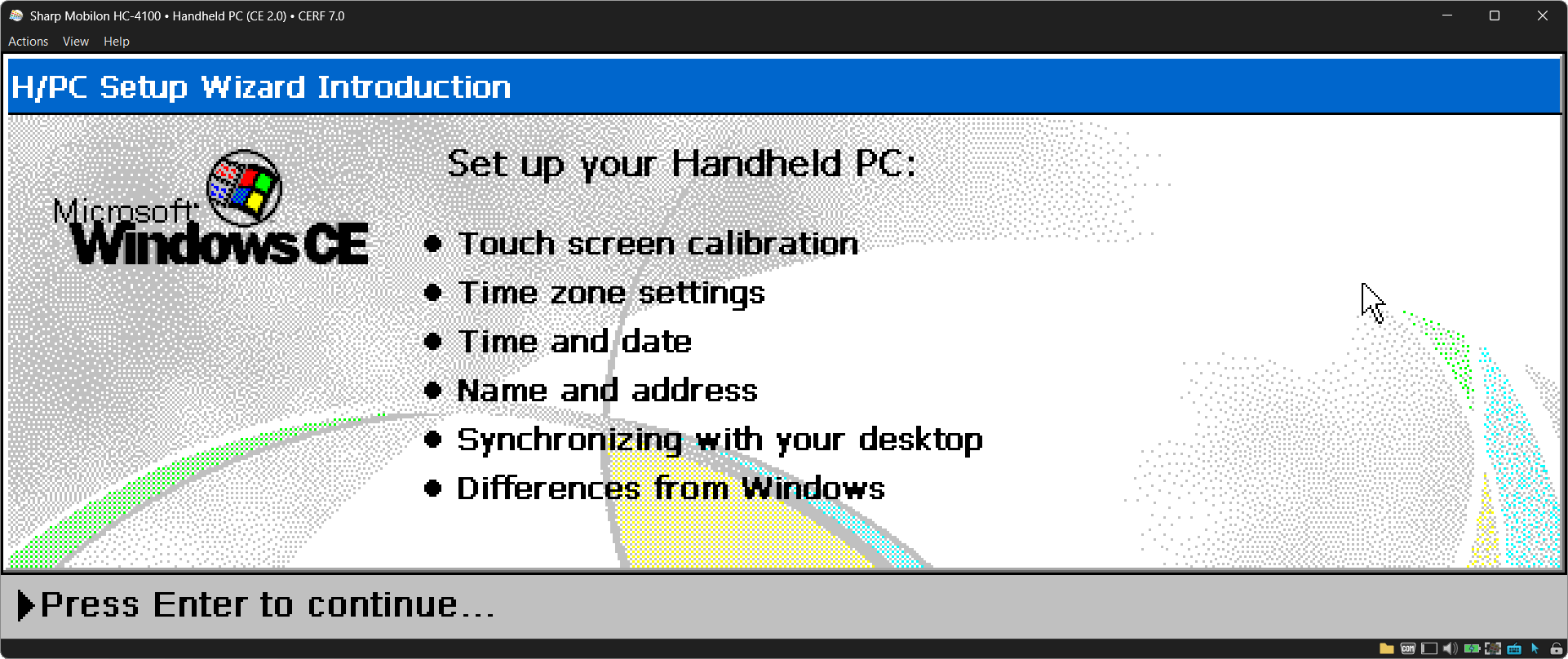
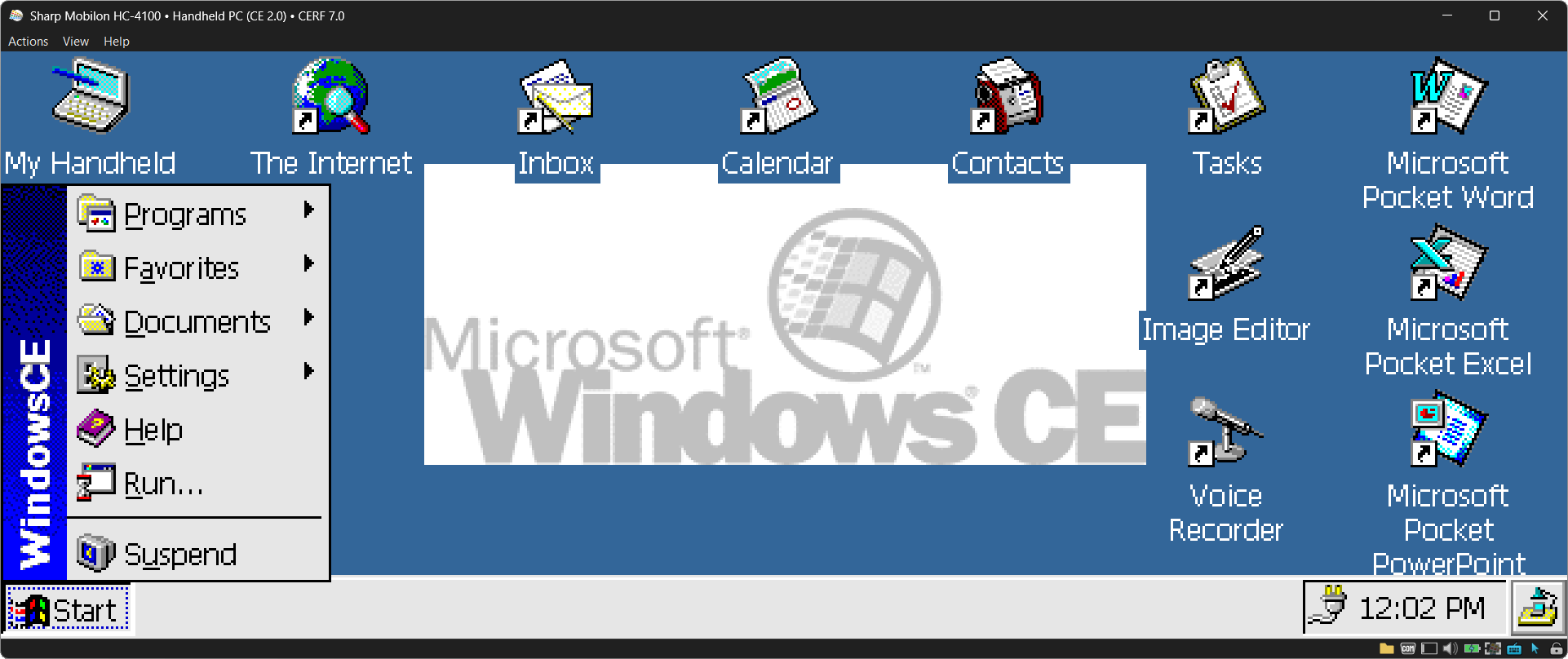
A Handheld PC on Windows CE 2.0. The stock panel is grayscale, but Guest Additions are giving a color to the OS.
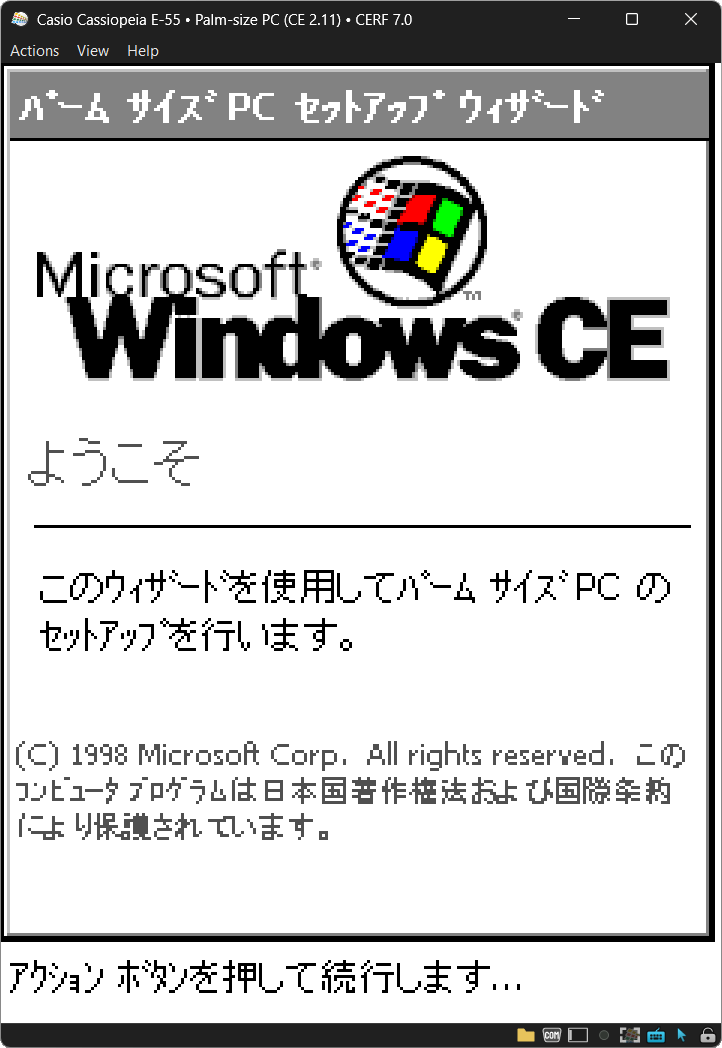
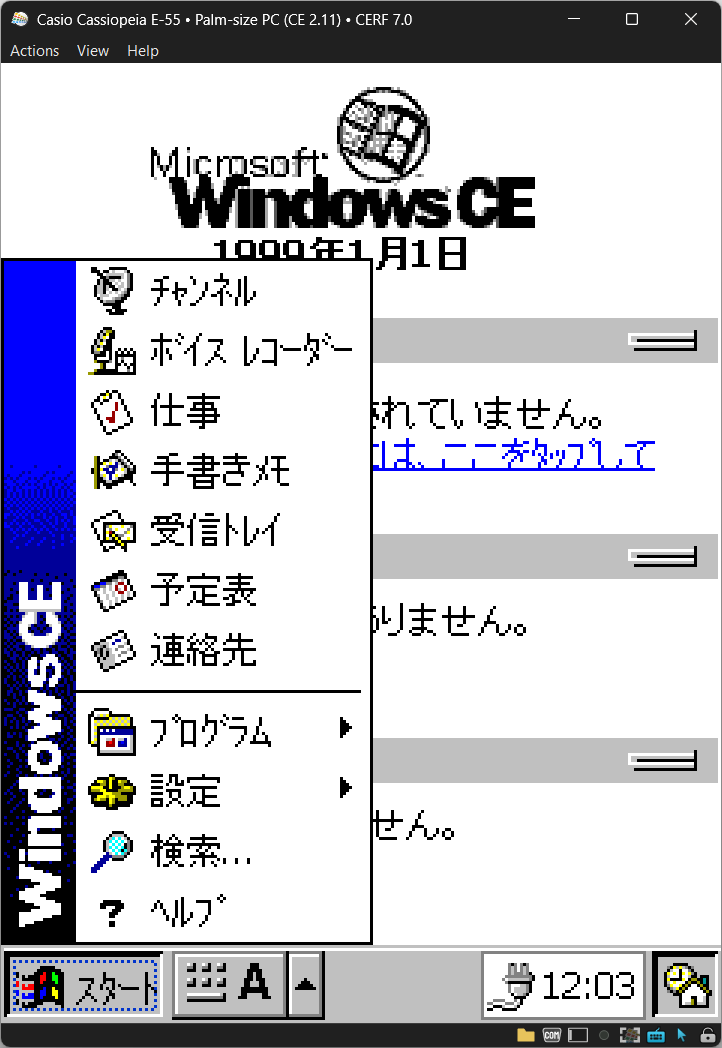
A Palm-size PC on CE 2.11, in Japanese. Same thing - original panel is grayscale.
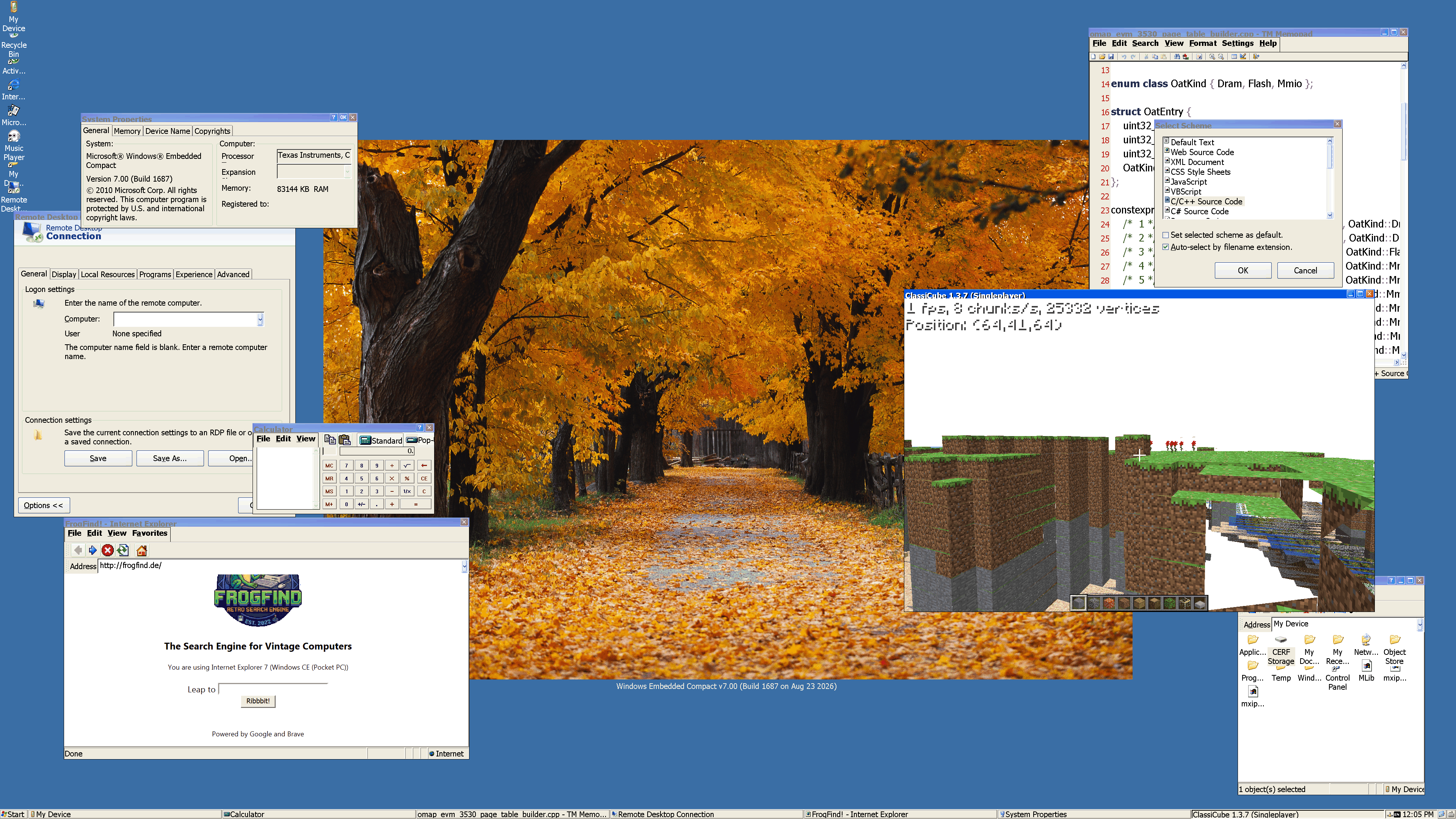
Windows Embedded Compact 7 at 3840x2160, with the shared folder mounted and a live site in Internet Explorer.
How the driver gets in
Warning
This is an AI summary from the source code - it might include mistakes. We might rewrite it later (or no).
A Windows CE ROM ships with the display driver its device will use. Windows CE ROM containers covers the forms those images come in.
Almost everything CERF boots is a cold-boot image: a blob placed in memory and started, with no bootloader and no BIOS in between. Some boards carry persistent storage instead, mutable from the first run.
You cannot replace a module with a larger one in place. The image is laid out to be executed where it sits, and a bigger driver has nowhere to go. CERF replaces the stock display driver with an extremely small stub instead, and the stub fetches the rest. It receives the real, much larger driver over a virtual I/O channel, and manual-maps it into memory itself.
On Windows Mobile the manual map is the only thing that works. WM will not load an unsigned driver, and a DLL of your own does not get past that. The stub does, because to WM it is the signed display driver the ROM shipped. The real driver never goes near the loader, so nothing ever checks it. It is a harsh hack, and it works.
One mechanism covers both. CERF hands the emulator either a fake image that reads back the stub, or a drive that still reads back the stub. What changes between ROMs is only which of the two it is.
On a regular XIP, MultiXIP or NB0 image - close to everything CERF boots - CERF replaces the PE outright.
Where the ROM is persistent storage instead, the guest reads it through its own flash controller. CERF goes as far as changing individual read requests, so the guest reads the chip and gets the stub back instead of the display driver.
CERF takes the simple path wherever a simple path exists. Where the result cannot be made deterministic, it does not do it at all.
With Guest Additions off, none of this happens. The emulator reads back the real thing, and the guest runs the display driver its own ROM shipped.
Experimental
Guest Additions modify the ROM as it loads. Some ROMs do not survive it, and some behave oddly. It is off by default, and the emulator lists the boards where it is known to cause trouble. If a device misbehaves, turn it off first. The emulator usually tells if Guest Additions supported or not.